The MyDigital Courtroom Companion
Every case, every hearing, one place — on your phone or your desktop.
MyDigiCourt helps advocates track hearings, manage cases, and draft documents with AI — wherever you work.
Built around how you already practice
Everything you'd otherwise track in a diary, in one app.
No court admin setup, no litigant workflows — MyDigiCourt is built for the advocate's own day-to-day.
Case managements
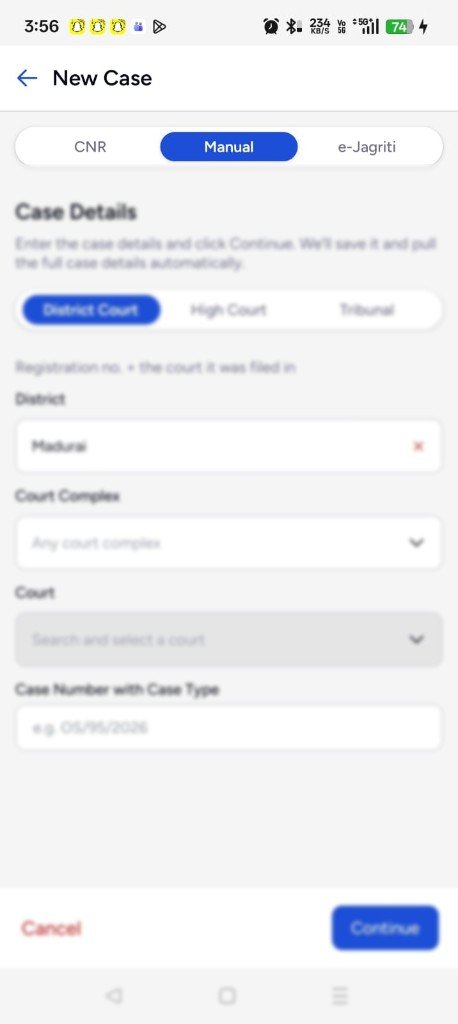
Manage matters across District Court and High Court — parties, filings, dates, and status in one place.
High Court cause list
Follow the High Court cause list for your matters without digging through PDFs or WhatsApp forwards.
High Court Live Boards
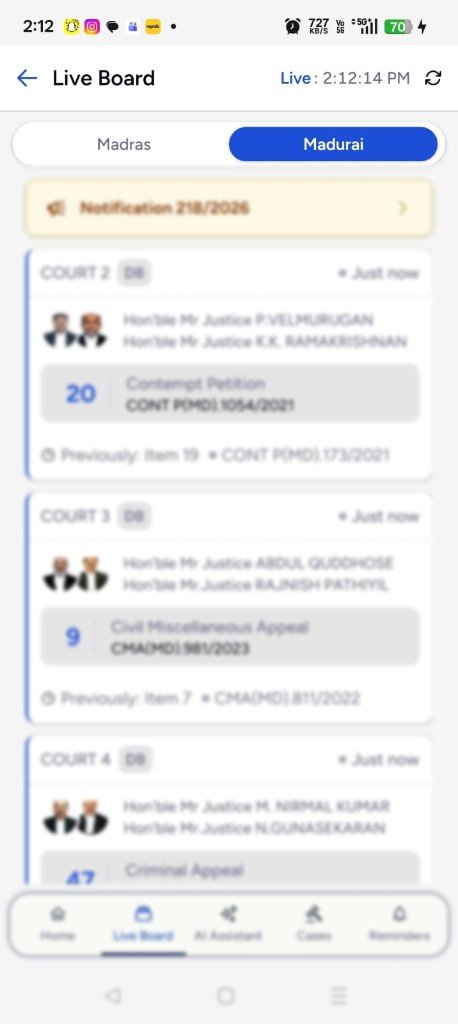
Stay on top of Live Boards so you know when your matter is called — without hovering near the court screen.
Daily orders & notifications
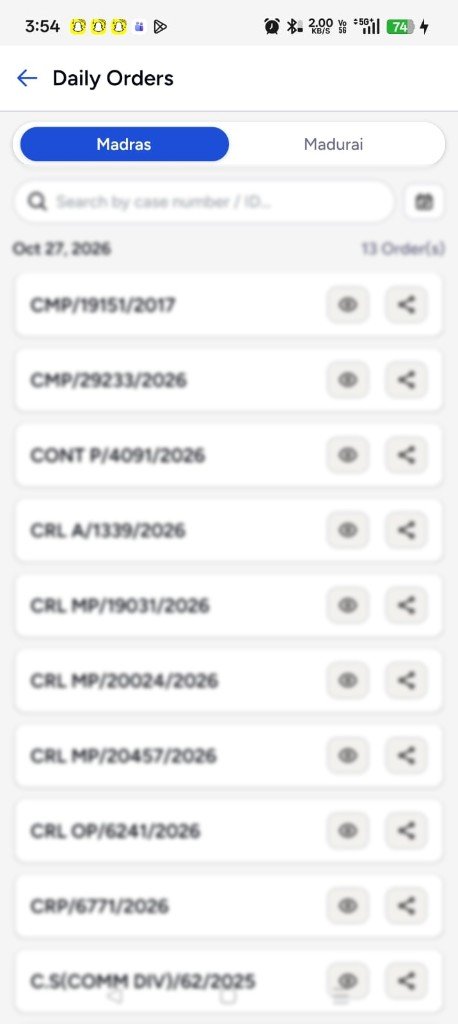
Get High Court daily orders and court notifications as they land — linked to the cases you already track.
Document management
Store and organise case documents with Google Drive — files stay with the matter, ready when you need them.
Diary details — view & update
Open any matter's diary, review hearing history, and update details the way you already work on paper.
e-Jagriti & tribunal cases
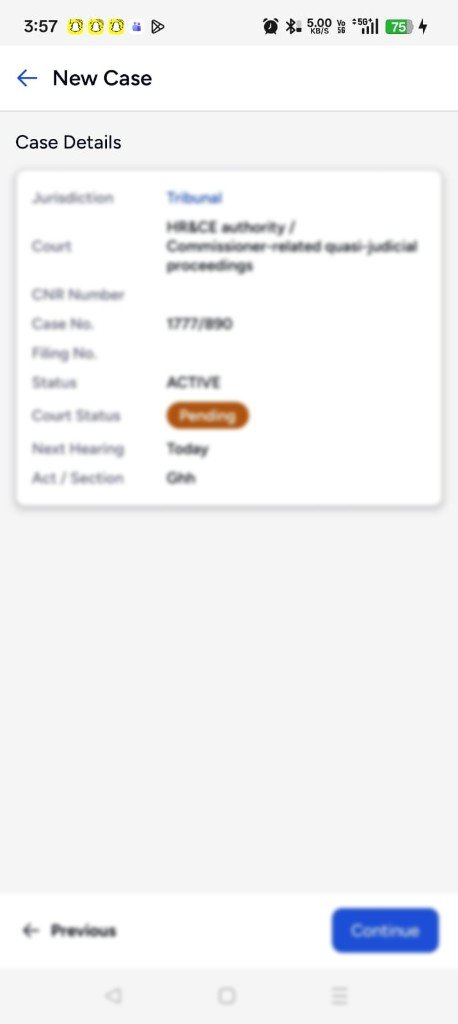
Add and manage e-Jagriti consumer matters and tribunal cases in the same place as your other work.
AI case summary
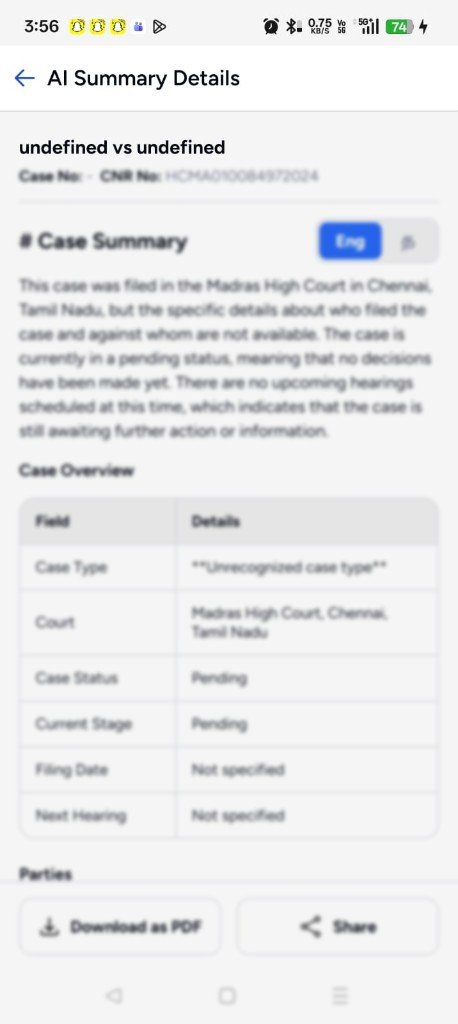
Already built — get a clear AI summary of a matter from your case data, not a future roadmap item.
Hearing notifications
Get next-hearing and adjournment reminders on your phone — stay on top of your cause list without opening the app.
How it works
From intake to hearing day — without the paper chase.
Three steps to run your practice from one place, whether you're at chambers or in court.
Capture the case
Add a new matter on your phone — client details, Google Drive documents, and vakalatnama in minutes.
Track every date
Hearing schedules, adjournments, and reminders stay in sync so your cause list is always current.
Draft & prepare
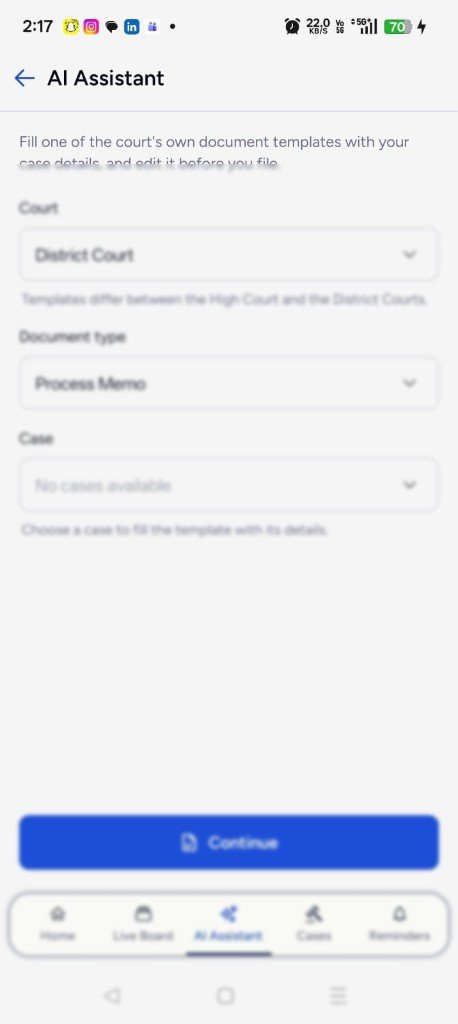
Use AI to draft notices and petitions from your case data, then polish and file with confidence.
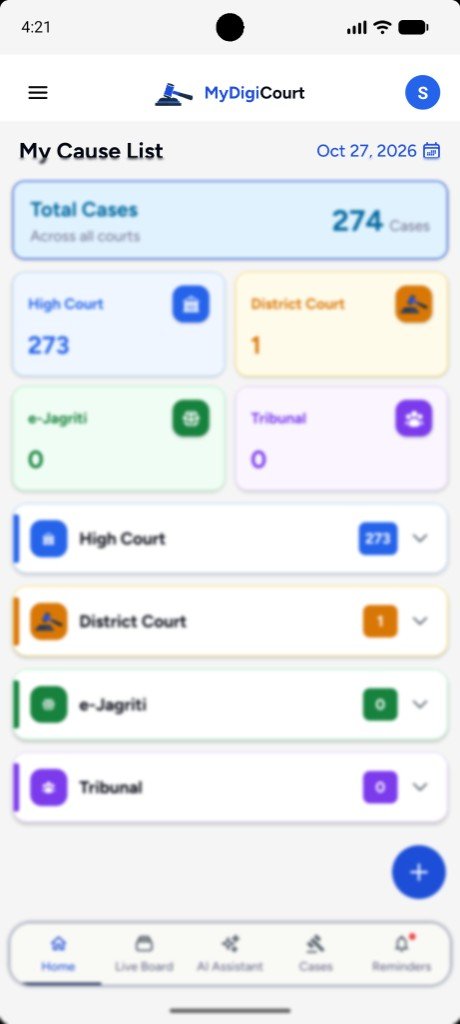
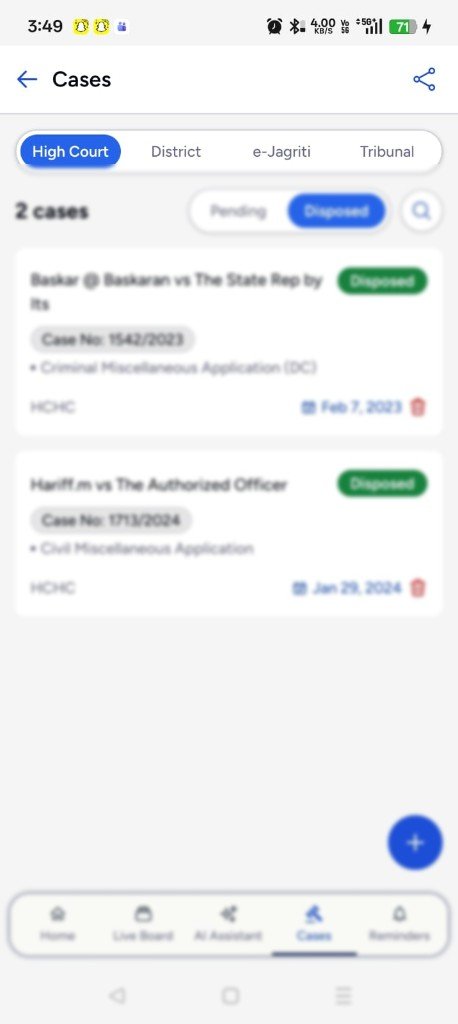
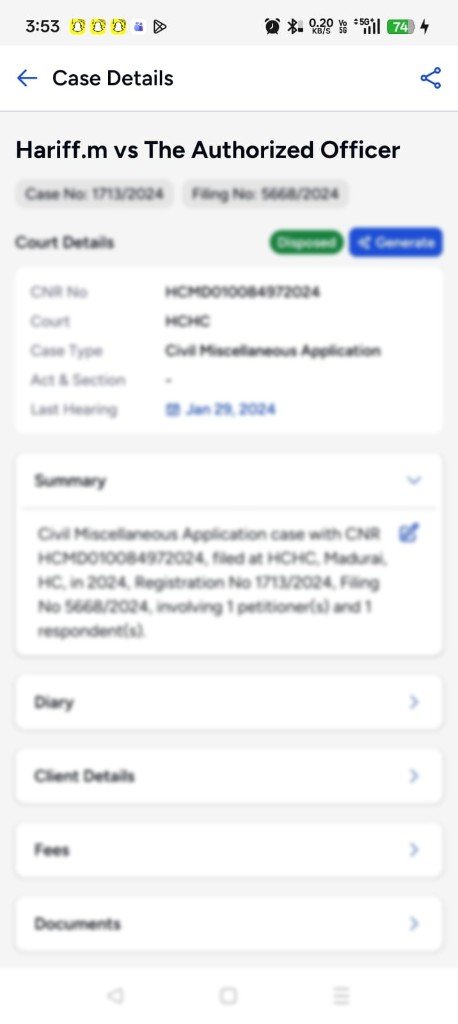
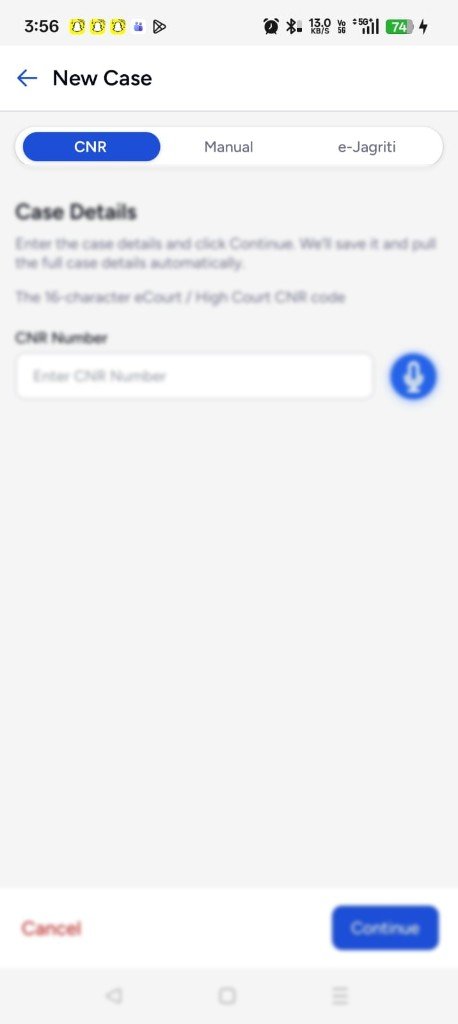
My Cause List
Hearing reminders
Know the next date before you leave chambers.
MyDigiCourt sends hearing reminders, cause-list alerts, and listing notifications to your phone — so the day's board is already with you.
A day with MyDigiCourt
Designed around how advocates actually work.
Not another generic CRM — a companion for chambers, court corridors, and late-night drafting.
Check today's cause list
Open MyDigiCourt and see hearings for the day, with reminders already pushed to your phone.
Onboard a new client
Capture matter details, link Google Drive documents, and start a clean case file before the first consultation ends.
Prep the next filing
Generate a draft petition from case facts, edit and keep versions with the matter.
Update adjournments
Log the next date once — it syncs to web and mobile so your diary stays accurate overnight.
FAQ
Questions advocates ask.
Straight answers about the app, the free trial, and subscription.
Is MyDigiCourt for court staff or advocates?
Is there a free trial?
What does a subscription include?
What happens when the free trial ends?
Can I cancel my subscription?
Do I need both the app and the web dashboard?
Which courts can I manage?
How do hearing reminders work?
How does AI drafting use my case data?
Touch base with us
Questions about the app, the free trial, or your practice? Contact us on WhatsApp.